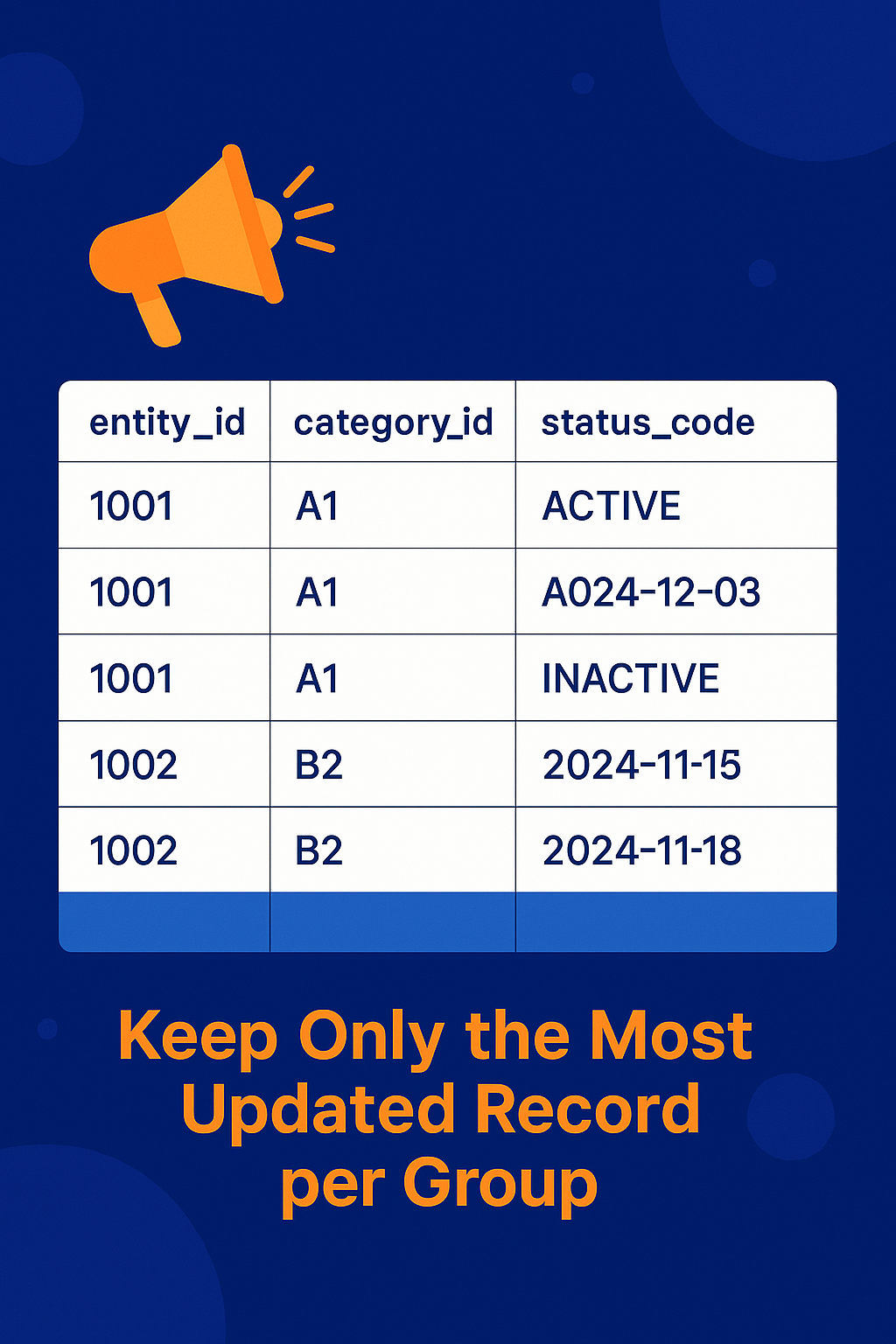
In modern enterprise applications, managing large datasets efficiently is a common requirement. A frequent task involves cleaning up older data while preserving the latest record per key or identifier—for example, keeping only the most recent report in a transaction log or a financial ledger. This article walks you through a practical scenario using Spring Data JPA and Java, illustrating how to delete entries older than a specific timestamp from a table while retaining the latest entry for a specific identifier.
📌 Use Case Overview
Suppose you have a table named securities_positions that logs data reports with the following relevant fields:
id: Primary key (Long)securitiesAccountResourceId: An identifier that groups related entries (String)reportDateTime: Timestamp indicating when the data was reported (DateTime)
Your goal is to:
- Delete all entries older than a specific
reportDateTimefor a givensecuritiesAccountResourceId - But keep the most recent entry, even if it’s older than the given timestamp
⚙️ Entity Definition
Here’s an example of what the SecuritiesPosition entity might look like in Java:
@Entity
@Table(name = "securities_positions")
public class SecuritiesPosition {

    @Id
    @GeneratedValue(strategy = GenerationType.IDENTITY)
    private Long id;

    private String securitiesAccountResourceId;

    private LocalDateTime reportDateTime;

    // other fields, getters, and setters
}
✅ Querying the Latest Record
To find the latest record for a given securitiesAccountResourceId, you can define the following method in your Spring Data JPA repository:
SecuritiesPosition findFirstBySecuritiesAccountResourceIdOrderByReportDateTimeDesc(String securitiesAccountResourceId);
This method returns the most recent entry, thanks to Spring Data’s naming conventions and built-in sorting logic.
🧹 Deleting Older Records While Preserving the Latest
To delete old records while keeping the newest one, you need to follow a two-step process:
1. Fetch All Older IDs to Delete
2. Remove the Most Recent ID from the Deletion List
Here’s how you can implement it:
@Repository
public class SecuritiesPositionsCustomRepository {

    @PersistenceContext
    private EntityManager entityManager;

    @Transactional
    public void deleteOldEntriesButKeepLatest(String resourceId, LocalDateTime cutoffDateTime) {
        // Step 1: Get all IDs older than cutoff
        List<Long> ids = entityManager.createQuery(
                "SELECT sp.id FROM SecuritiesPosition sp " +
                "WHERE sp.securitiesAccountResourceId = :resourceId AND sp.reportDateTime < :cutoff " +
                "ORDER BY sp.reportDateTime ASC", Long.class)
            .setParameter("resourceId", resourceId)
            .setParameter("cutoff", cutoffDateTime)
            .getResultList();

        // Step 2: Keep the latest (last) ID if multiple found
        if (ids.size() > 1) {
            ids.remove(ids.size() - 1); // keep latest
            entityManager.createQuery("DELETE FROM SecuritiesPosition sp WHERE sp.id IN :ids")
                .setParameter("ids", ids)
                .executeUpdate();
        }
    }
}
🔒 Why Not Use a Native SQL DELETE ... LIMIT?
You might wonder: why not use a single SQL statement with LIMIT or ROWNUM? Unfortunately, JPA and HQL don’t support limiting DELETE queries directly. The above approach using EntityManager and multiple queries gives you full control and safety.
✅ Best Practices for Database Cleanup
- Always wrap cleanup logic in transactions to ensure atomicity.
- Log deletions for audit trails if your application has compliance requirements.
- Index timestamp fields (e.g.,
reportDateTime) to optimize query performance. - Schedule cleanup tasks via Spring’s
@Scheduledannotation or external job schedulers like Quartz.
📈 Conclusion
Deleting older records while preserving the most recent entry is a common requirement for maintaining performance and data relevance in any time-based dataset. With Spring Data JPA, the combination of method-derived queries and manual EntityManager control gives you the power and flexibility to manage data precisely.
This approach ensures that your database remains clean, efficient, and consistent—without losing critical information.